iOS SDKUpdated
Chatbot for mobile apps Answer your users inside your app.
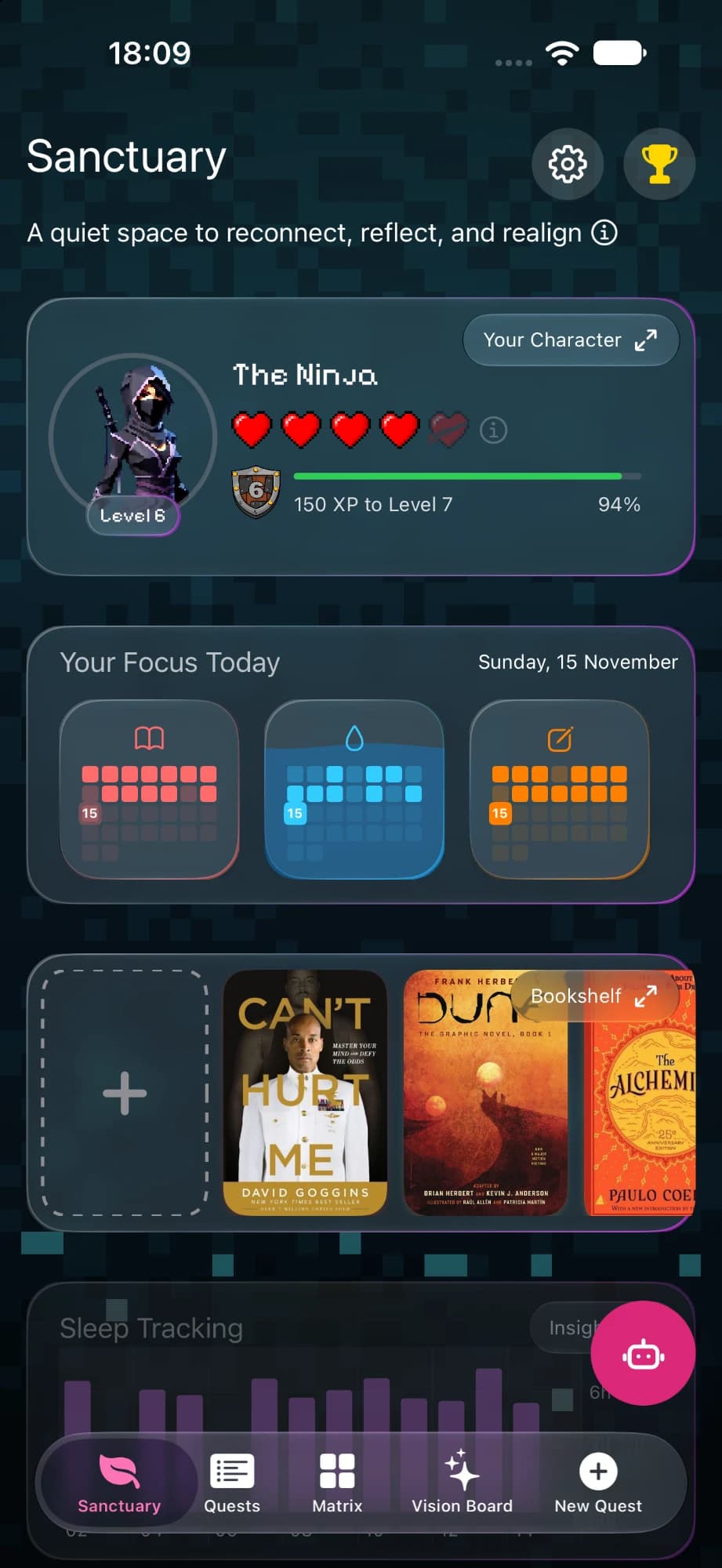
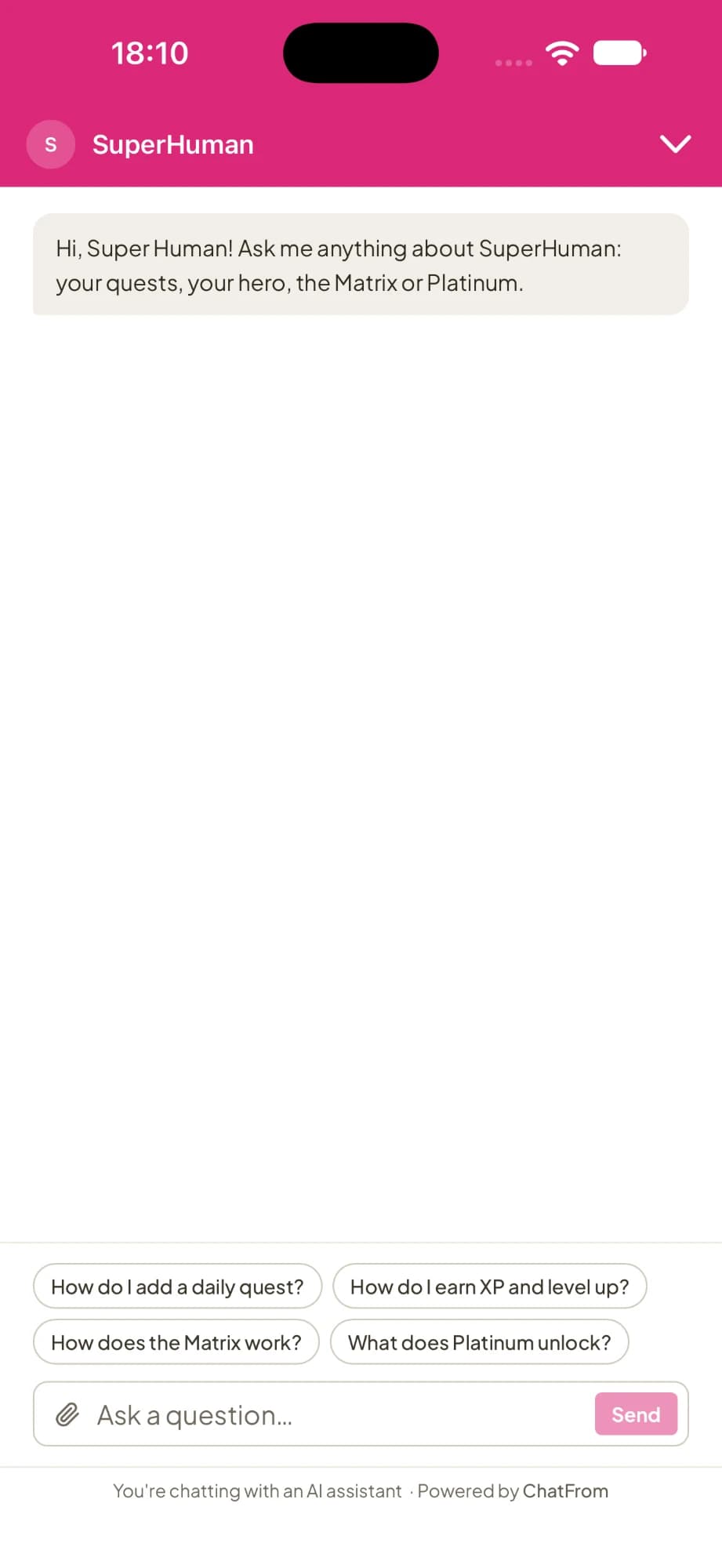
Give your mobile app an AI chatbot. The ChatFrom iOS SDK adds a chat bubble to your iPhone and iPad app, and the chatbot answers your users from your knowledge base or documentation. If you turn on hand-off, it offers to pass questions it can't answer to your team.
Best forSmall teams with an iPhone or iPad app and a knowledge base, who answer support emails themselves.
How do I add it to my app?
First, build your chatbot in ChatFrom, the same way you would for a website. Then follow these three steps in your app. You don't need a server of your own.
- Turn on Mobile appsIn ChatFrom, open your chatbot's Deploy page and switch on Mobile apps, so the chatbot can run inside an app. Press Go live, and copy the chatbot's id from the dashboard address.
- Add the packageIn Xcode, choose File > Add Package Dependencies and add the ChatFromSDK package from GitHub.
- Start itAdd one line when your app starts, and the chat bubble appears. You can also show a row in your settings screen instead.
The package is ChatFromSDK on GitHub, and it is MIT licensed. In UIKit, use ChatFromCell or ChatFromButton for the row.
What do your users get?
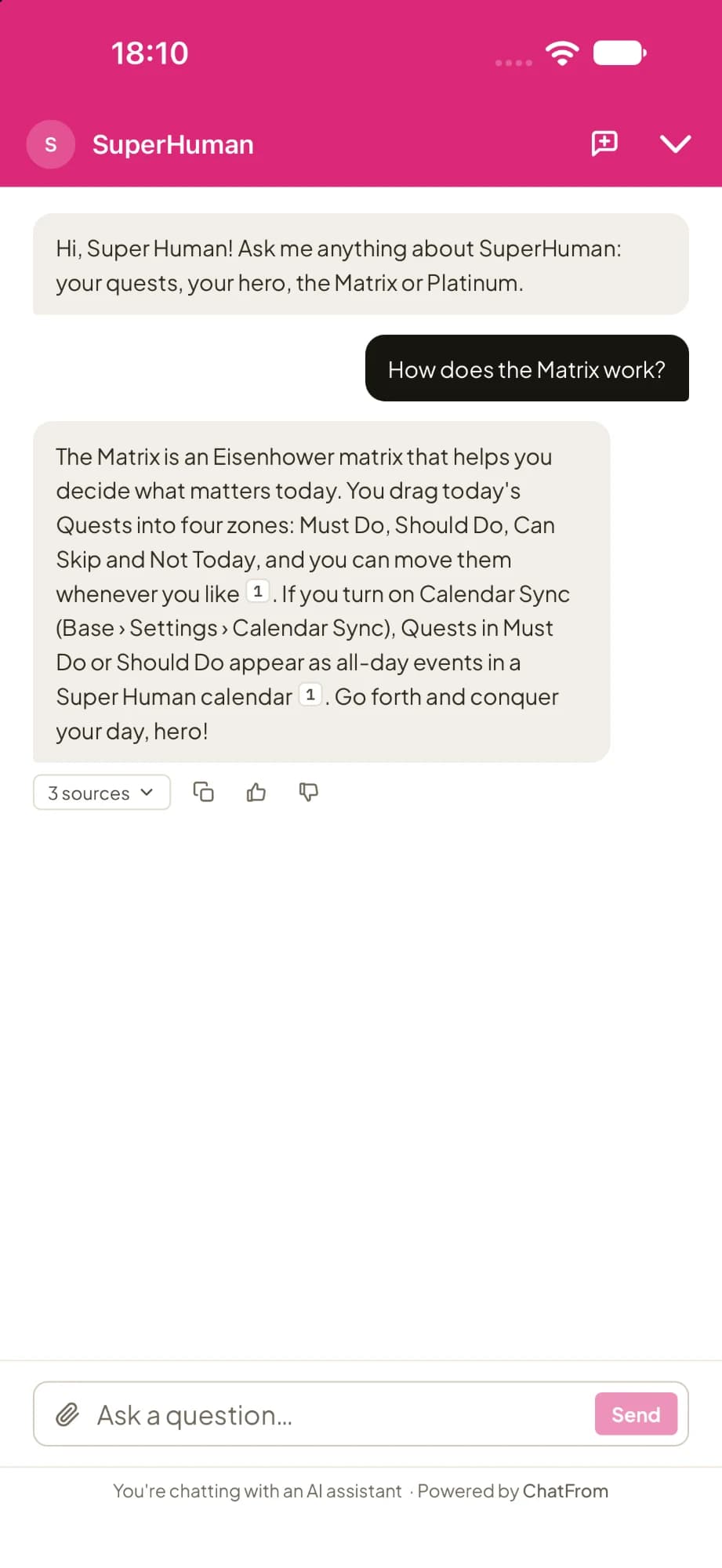
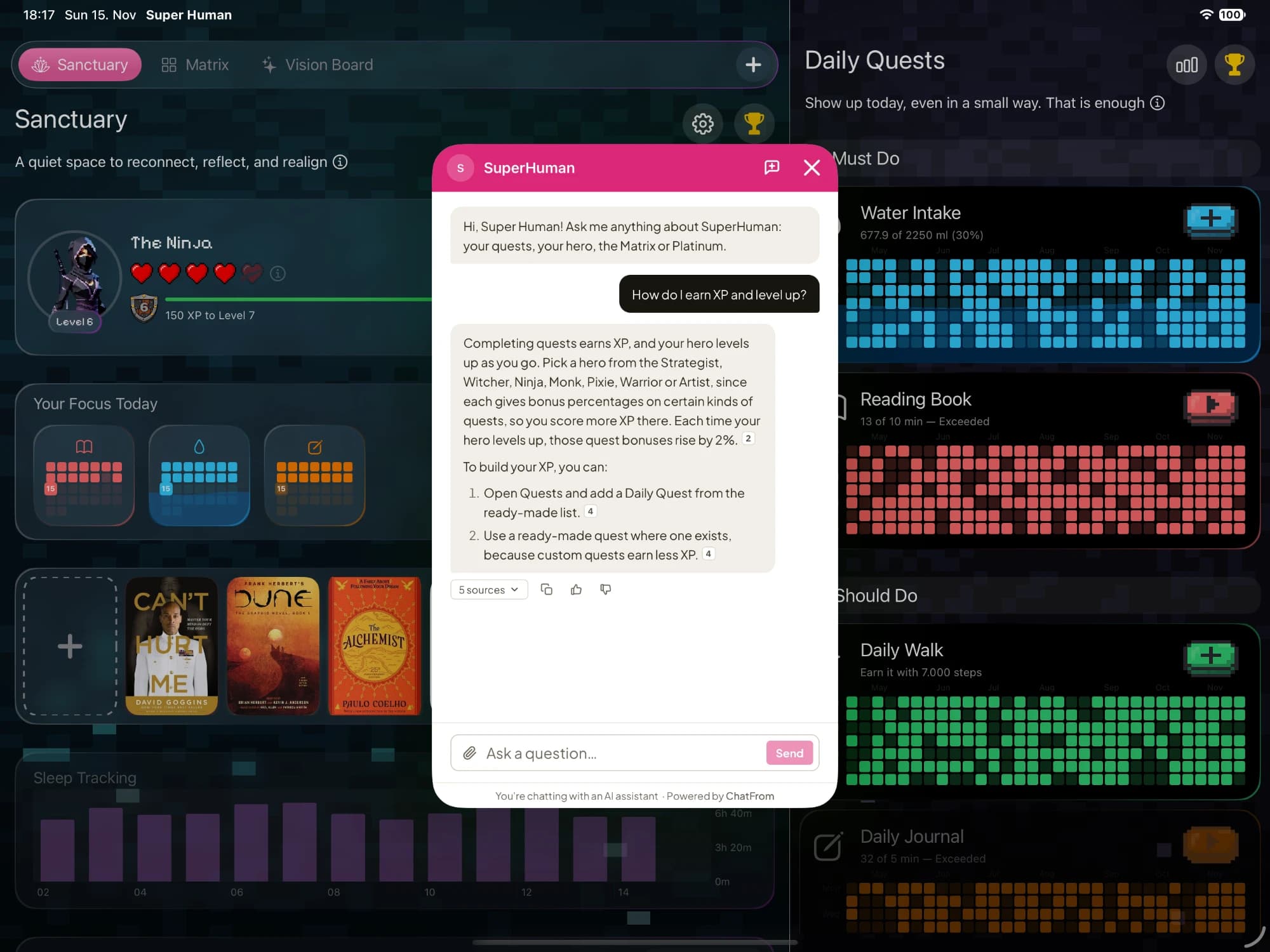
- Answers with sourcesThe chatbot answers from your knowledge base or documentation, and shows where each answer came from.
- iPhone and iPadThe chat opens full screen on iPhone and as a card on iPad. The bubble uses your colour and icon.
- Files and photosUsers can send a screenshot or a file and ask about it, if you allow files.
- 13 languagesThe chat window comes in 13 languages, and the chatbot replies in the language the user writes in.
- The same chatbotIt is the same chatbot as on your website, with the same knowledge and tools. All the conversations are in one place.
- Signed-in usersIf your app tells the SDK when people sign in and out, the next person on a shared device doesn't see the previous person's chat.
Common questions about a chatbot in your iOS app.
What does an AI chatbot in your iOS app cost?
ChatFrom has a flat monthly price, with no fee per seat or per user. On the default AI model, the $29 Pro plan covers about 2,300 support conversations a month, and the $49 Business plan covers about 6,700. You can try it for free on the Hobby plan, with no card.
What do I need to set it up?
You need a ChatFrom chatbot with a knowledge base, and an iOS app that you build in Xcode. You don't need a server of your own.
How long does it take to set up?
Adding the SDK to your app takes a few minutes. Setting up the chatbot takes about as long as setting one up for a website.
Which iPhones and iPads does it work on?
The chat works on iPhone and iPad with iOS 16.4 or later. On older versions of iOS, the bubble doesn't appear.
Is the chat native, or a web view?
Both. The bubble and the chat header are native. The chat itself is a web view, so improvements reach your app without a new App Store release.
What happens when it cannot answer?
It says it doesn't know instead of guessing. If you turn on hand-off, it sends the conversation to your team by email or Slack.
Can it answer questions about a customer's subscription?
Yes, it can. Connect RevenueCat under Tools, and add a line to your app that tells the chatbot who the user is. Then it can tell them if their subscription is active, when it renews and how to cancel it.
What does my app need for App Review?
Apple asks you to tell users that the chat uses a third party's AI, and to ask their permission before they use it for the first time. Your privacy policy should mention the chat too.
What can't it do?
It works on iOS only for now, and an Android SDK is planned. It doesn't send push notifications, and there is no live chat with your team inside the app. The chat also always uses a light theme.
Try it in your app.
- Build a chatbot on the free plan and test it in the dashboard. You don't need a card.
- Read the iOS guide for every step, including signed-in users and subscriptions.
- See the pricing page for what answers cost on each AI model.